
Get Started Guide & Resources for Ignite Supplier Certification Management

Welcome to the resources page for Ignite Supplier Certification Management. Below you’ll find everything you need to get started and to use Ignite Supplier Certification Management to its fullest.
How Do I Get Started
with Ignite Supplier Certification?
Creating an Ignite Supplier Certification account as well
as adding suppliers, locations, and materials is easy!
Here are the basic steps for getting started.
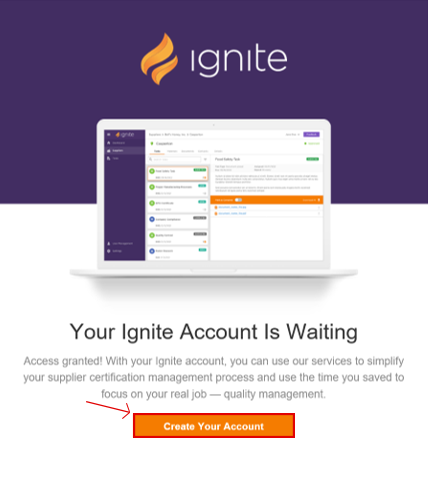
- If you haven’t signed up yet, click here.
- Next, check your email for a message from RizePoint. It includes the link to create your account. If you don’t see it, please check your junk or spam folder.
- From there the software will take you on a self guided tour that helps you:
- • Add Suppliers into the Software
- • Upload Documents
- • Create Tasks
- • Invite New Users
What Info Will I Need to Add New Suppliers?
There are different required fields and nonrequired fields available when adding
suppliers, locations and materials. You may wish to gather this information before you
start creating new entries.
Required
|
Available
|
Required
|
Available
|
Required
|
Available
|
Where do I submit feedback or feature requests?
Great news! This is also located directly in the software, so you can submit info to our product team then get right back to work. This feature is located under the “Feedback” button in the top right corner of the software.


Who do I contact if the
in-software help isn’t enough?
We have a dedicated team to help! Email them at customerservice@9019c3a60e.nxcli.io
What if I want to share information about Ignite Supplier Certification with a colleague or peer?
Just click here to access a brief overview of the Ignite Supplier Certification Management Solution and email the link.
